Video to SRT
The public Video to SRT tool transcribes an audio or video file and creates timed subtitles. Use it when you need an editable.srt file rather than a rendered video.
Create an SRT file
1
Upload your file
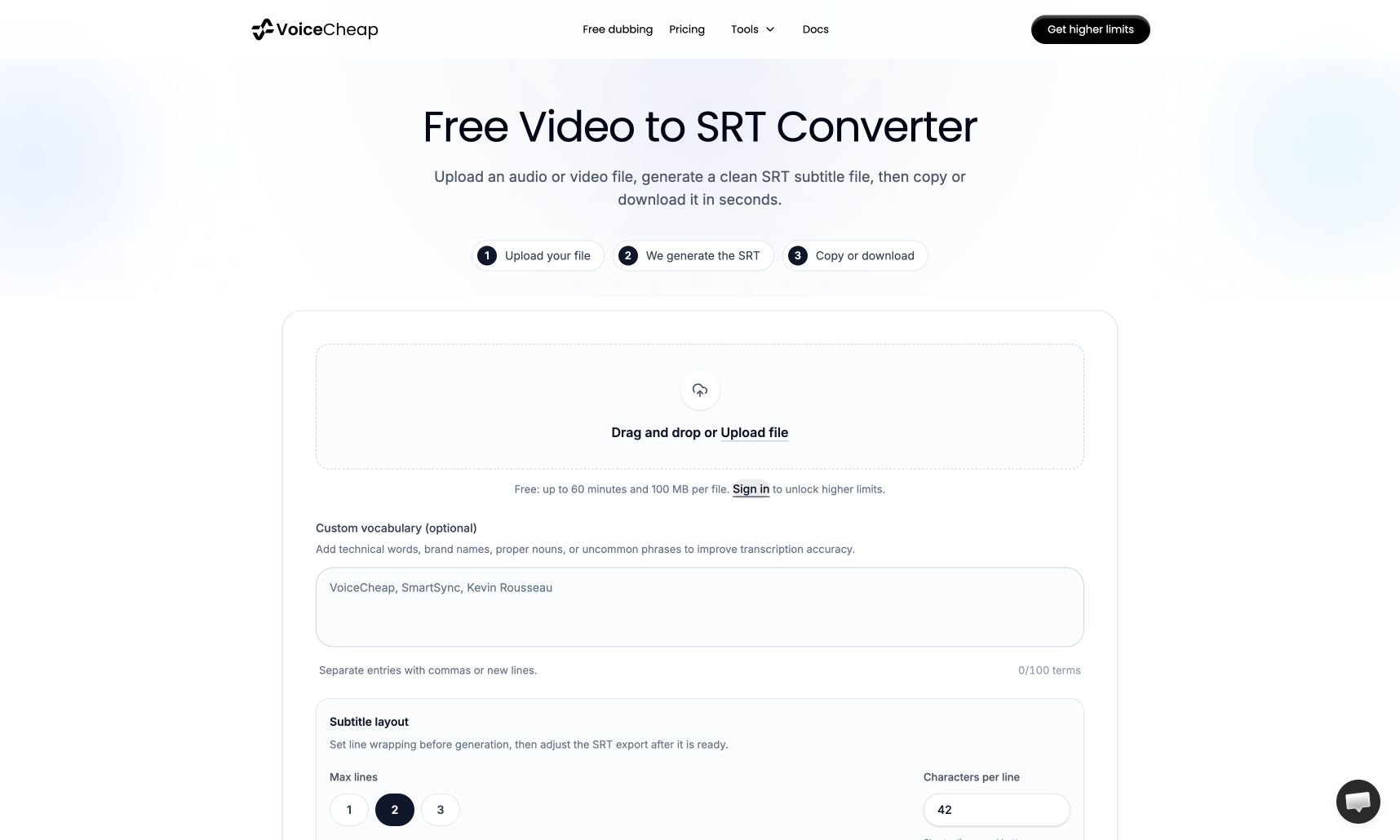
Select Upload file or drop an audio or video file into the upload area. The public limit is 60 minutes and 100 MB per file.
2
Set vocabulary and line wrapping
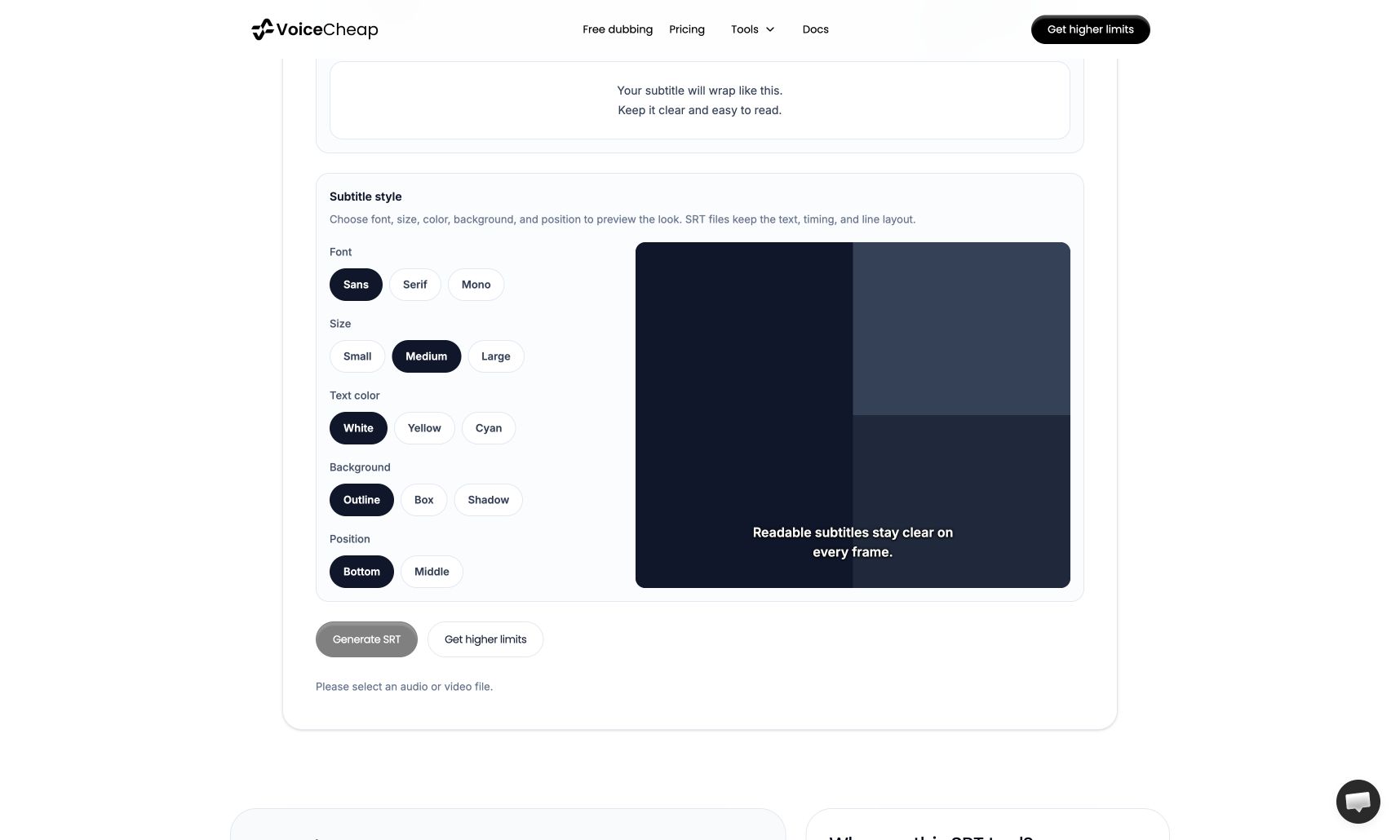
Optionally add unfamiliar names to Custom vocabulary. Set Max lines and Characters per line before generation to control how captions
wrap.
3
Generate and review
Select Generate SRT. Review the timed subtitle cues, make any needed text or timing edits, then Copy or Download the SRT.