Text to speech
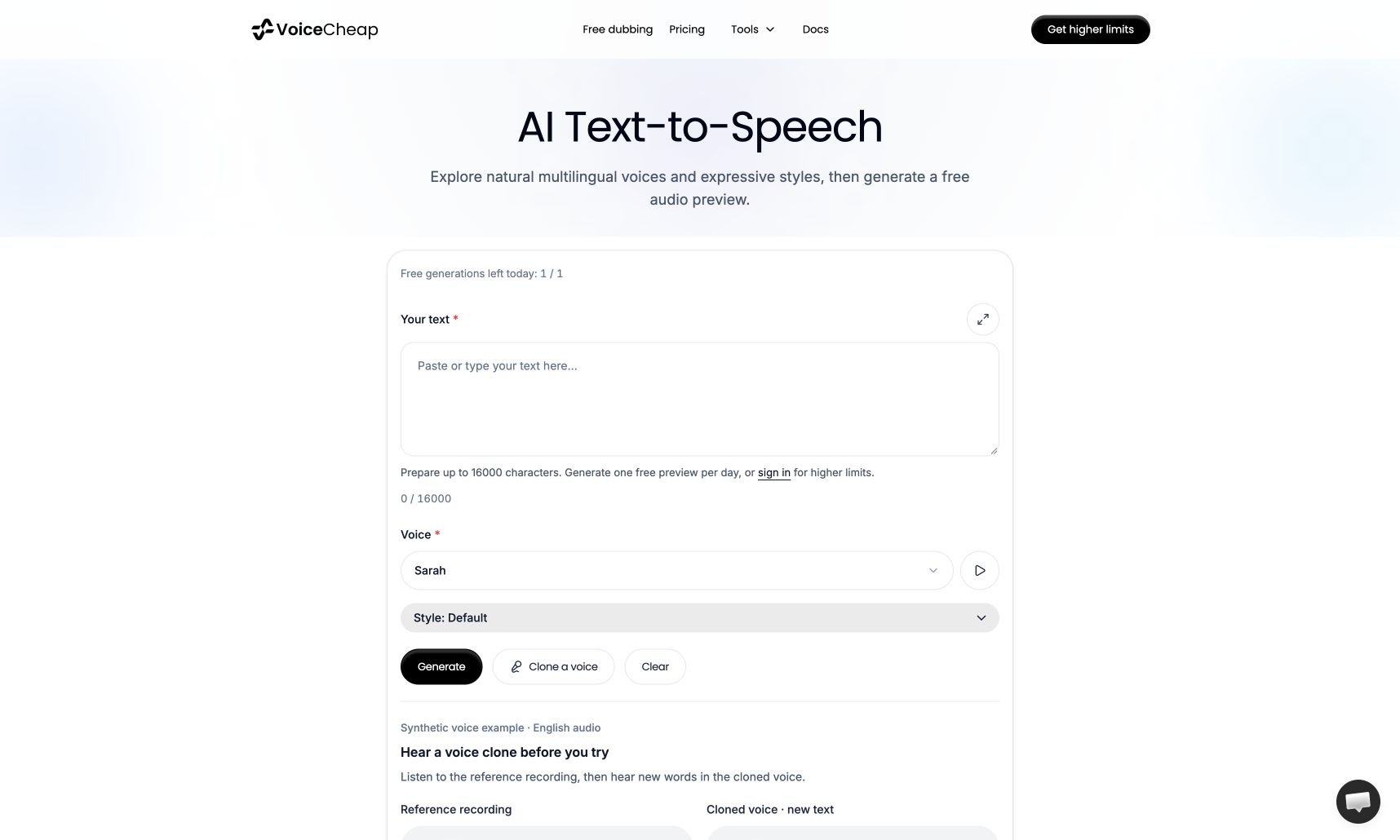
Use text to speech when you want spoken audio from text without going through the full video dubbing workflow. VoiceCheap generates the audio with Fish Audio S2.1 Pro through the Vercel AI Gateway. This tool has one fixed production model and does not use a fallback model.Public preview and workspace tool
The public landing page lets visitors search and listen to the multilingual voice library. Generating audio, downloading MP3 files, viewing history, and saving a cloned voice require a VoiceCheap account. The authenticated tool supports:- 41 curated multilingual voices with varied accents
- searchable voice names, accents, and speaking styles
- seven delivery presets: default, cheerful, calm, narrator, dramatic, whisper, and energetic
- reusable voice clones on paid plans
- a searchable voice picker with integrated preview playback
- a transcript-first audio player based on the ElevenLabs UI interaction pattern
- playback-synchronized highlighting driven by timestamps measured from the generated audio
- generation history and MP3 downloads
Saved voice cloning
Voice cloning uses Fish Audio’s provider-specific model API because AI Gateway speech generation does not expose model creation. Voice samples must contain 10–120 seconds of clear speech from one speaker. Users must confirm that they have permission to clone the voice. When the selected samples exceed 120 seconds combined, users can opt in to automatic trimming. VoiceCheap shortens every selected file as needed so all samples contribute while the submitted total stays within the 120-second limit. The cloning drawer remains locked open while a voice is being created. The create button keeps a visible spinner, and form controls remain disabled until the request succeeds or fails. AI Gateway speech is currently configured at$0 per million UTF-8 bytes while the Fish Audio promotion is active. Set FISH_AUDIO_TTS_PRICE_PER_MILLION_UTF8_BYTES to the live post-promotion rate when Gateway billing resumes; the public standard rate is currently $15 per million UTF-8 bytes.
Saved-voice limits are separate from dubbing custom-voice limits:
- Free: 0 saved voices
- Tester, Beginner, and Starter: 3 saved voices
- Creator and Worldwide: 5 saved voices
- Scale, Pro, Entrepreneur, and Enterprise: 10 saved voices
Good use cases
- voiceovers
- spoken snippets
- pronunciation checks
- rough narration tests
When to use a full project instead
Use a full dubbing project when the audio should stay tied to:- an existing transcript
- a translated video
- subtitles
- lip sync
- Smart Publish