

Speech to text
Use the public speech-to-text tool to turn a recorded audio or video file into copyable text. It transcribes uploaded recordings; it is not live microphone dictation.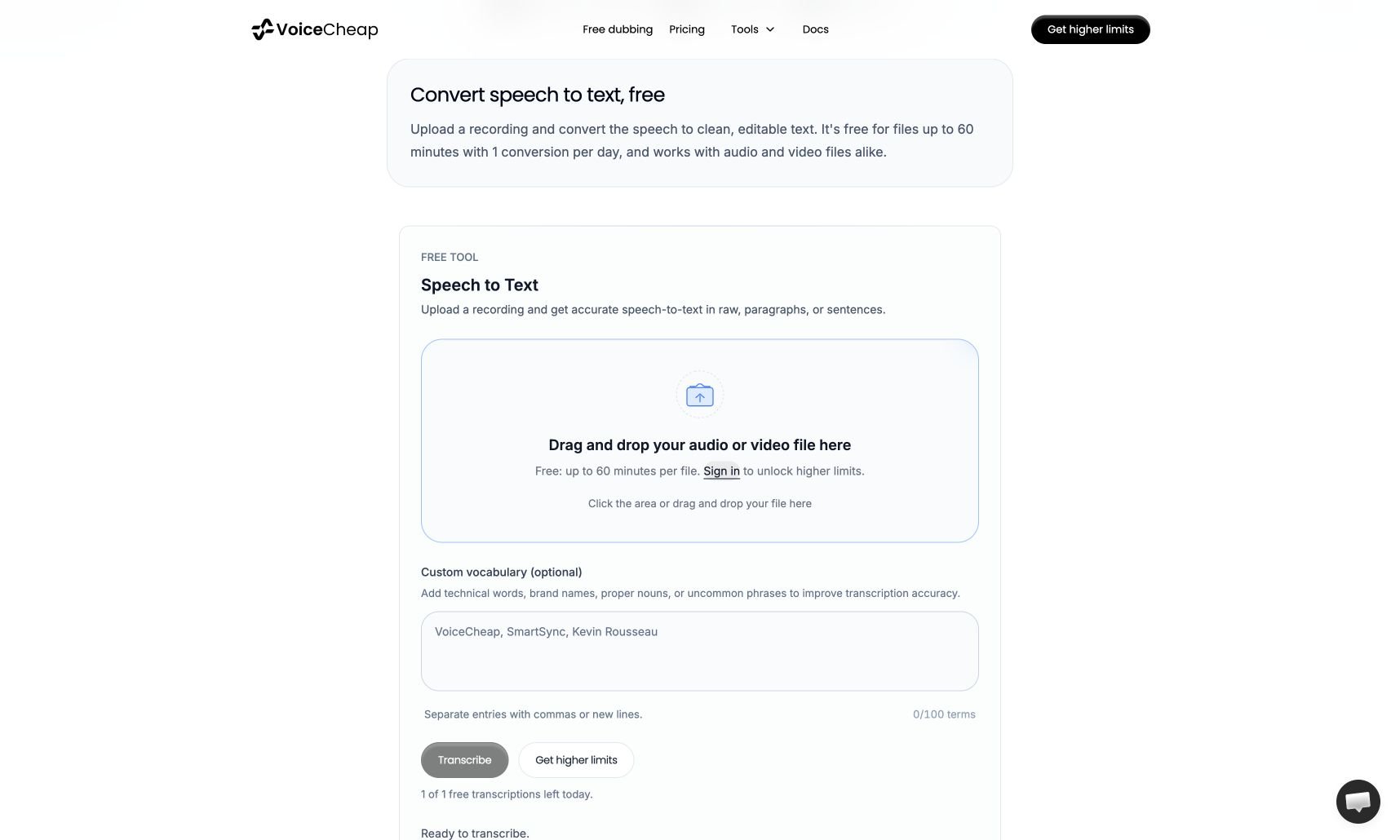
Transcribe a recording
1
Upload audio or video
Select the upload area or drop a file onto it. Common formats include MP3, WAV, M4A, AAC, OGG, MP4, MOV, and WebM. The public tool accepts files
up to 60 minutes and 100 MB.
2
Add difficult words if needed
In Custom vocabulary, enter names, brands, or technical terms separated by commas or new lines. You can add up to 100 terms. This field is
optional.
3
Transcribe and copy
Select Transcribe. When the result appears, choose Raw text, Paragraphs, or Sentences, then select Copy. You can also open the
result full screen.